Digital Banking
The whole bank, behind one biometric door.
Accounts, portfolio, cards, documents and your banker in one secure place. Built for clarity when you look, and quietly paranoid the rest of the time.
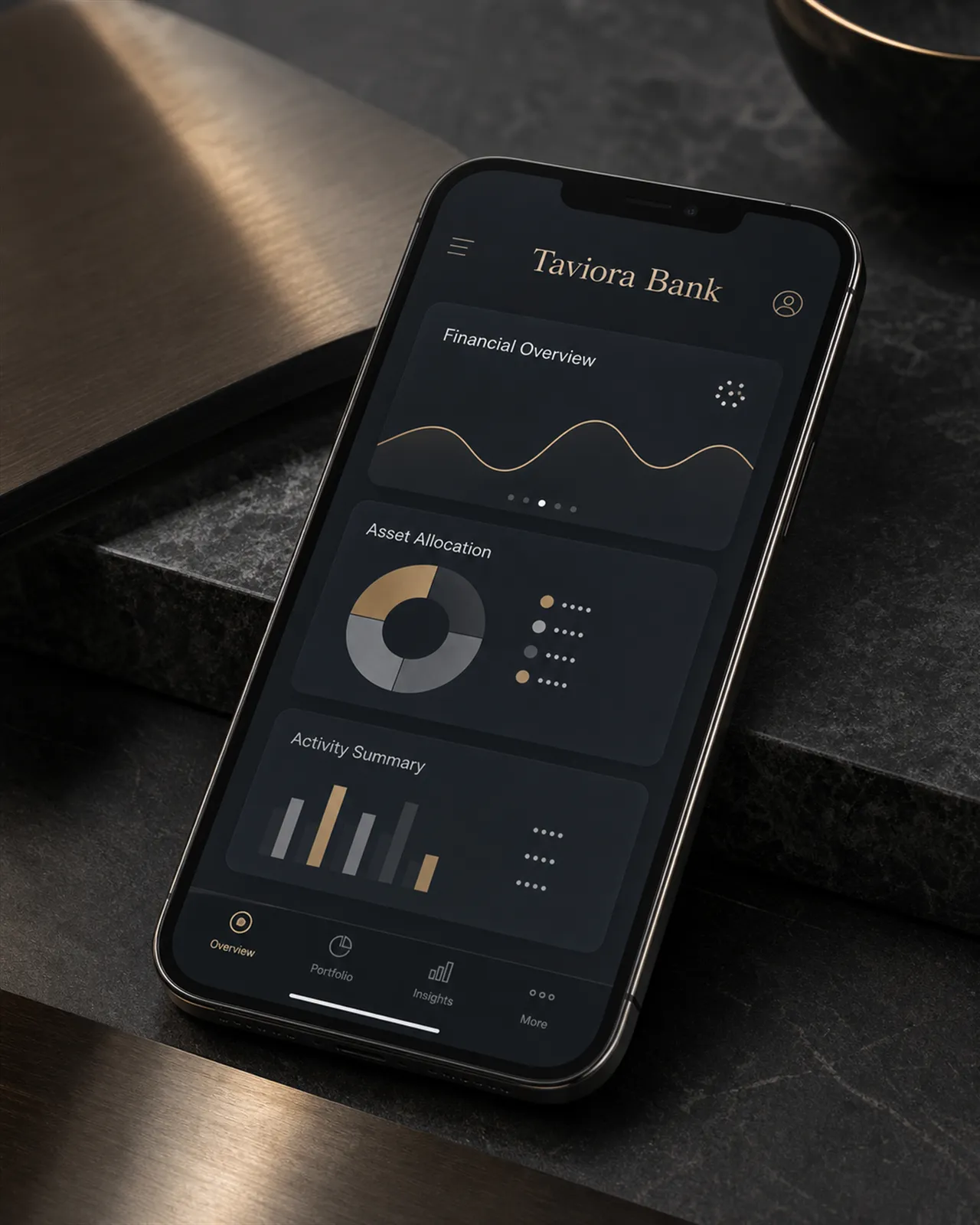
What it does
Everything in its place. Nothing in the way.
The platform is deliberately plain. No badges, no nudges, no products sold to you on the way to your balance — just the work of the bank, arranged clearly.
Overview
Every account and every currency on one screen, reconciled and current. The first thing you see is your position, not a promotion.
Payments & transfers
Domestic and international payments with clear status from instruction to arrival. Larger or unusual instructions can be routed through your banker for a second pair of eyes.
Portfolio reporting
Holdings, allocation, costs and performance stated plainly, against the strategy you actually agreed — not a leaderboard. Values can fall as well as rise, and the reporting says so.
Card controls
Freeze and unfreeze in a moment, set limits by card, and issue virtual numbers for merchants you would rather keep at arm's length.
Messages with your banker
A conversation with the named person responsible for your relationship, encrypted within the platform — not sensitive detail scattered across open email.
Documents
Statements, valuations, confirmations and agreements in one archive — searchable, downloadable, and delivered to the platform rather than to a letterbox.
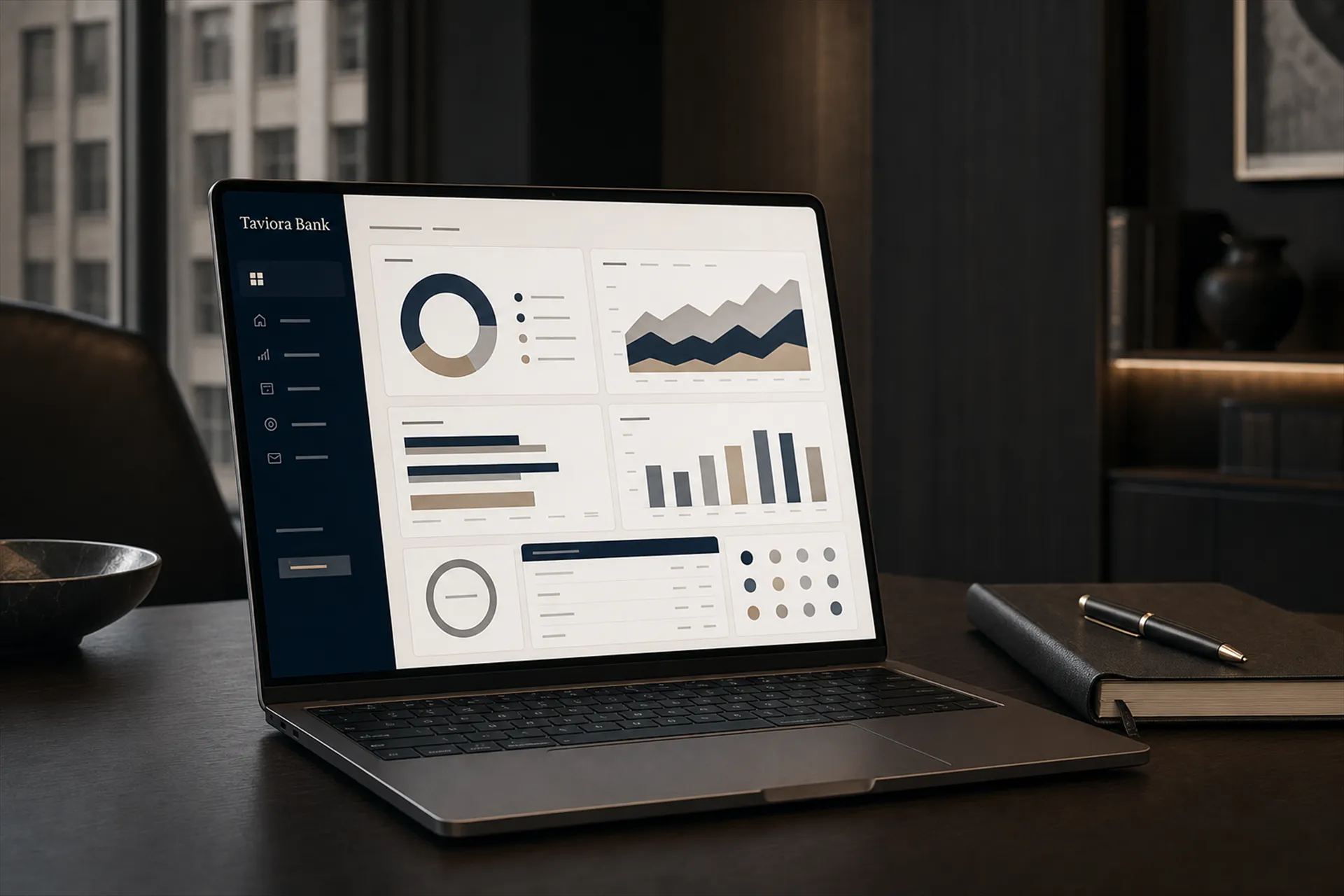
On a larger screen
Desktop, when the question is bigger.
Some questions deserve more than a glance on a phone. The desktop experience is built for the sitting-down work: a full portfolio laid out on one screen, statements side by side, allocation against strategy, costs in the open.
It is the same view your banker works from, which makes conversations shorter: you are both looking at the same figures, arranged the same way, before anyone picks up the phone.
Security & privacy
Protected by default, not by option.
The platform assumes it will be attacked and is designed accordingly. The full picture — in plain language — lives on the Security & Privacy page.
Authentication
Access is gated by strong authentication, with biometrics where your device supports them. Convenience never outranks the lock.
Device management
You can see which devices hold access to your relationship and withdraw any of them — from any of the others, or through your banker.
How we contact you
We publish exactly how Taviora will and will never contact you, so an impostor's message reads wrong immediately.
An honest note
What you are looking at.
The client platform interfaces shown on this site are design previews of the client experience — presented so you can judge how the platform thinks, not screenshots of a live account. You will find no store buttons, ratings or download links here, because we will not decorate this page with claims we have not earned.
Access is provided at onboarding: your banker sets up the platform with you, on your devices, as part of becoming a client.
[Platform availability dates pending confirmation]
See it in a conversation.
The shortest route to judging the platform is watching it answer your own questions.